
On the Government e-Marketplace (GeM), managing your product catalog efficiently is key to successful bidding. Two frequently used but often misunderstood features are 'Clone' and 'Pair.' This post clarifies the specific use cases for each, helping you decide which tool is appropriate for your catalog management needs.
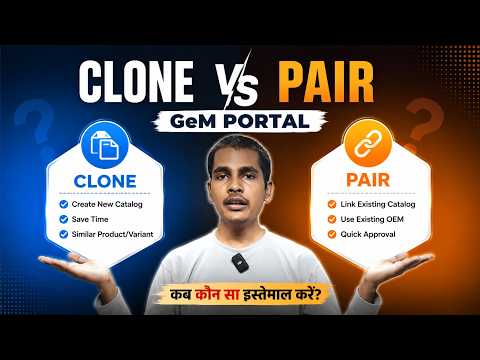
What is the Clone Feature?
The 'Clone' feature on GeM allows sellers to create a copy of an existing product listing. This is primarily useful when you have products that share very similar technical specifications but require minor adjustments. Instead of creating a new listing from scratch, you can clone an existing one and modify only the necessary fields.
What is the Pair Feature?
The 'Pair' feature serves a different purpose. It is generally used to associate or group related items. This is essential when your products are sold as a bundle or when you need to link accessories to a primary product within the portal's structure.
Key Differences
- Purpose: Clone is for duplicating existing listings to save time; Pair is for linking related items.
- Efficiency: Use Clone to reduce manual data entry for similar products.
- Compliance: Always ensure that cloned products meet the current category specifications to avoid rejection by the GeM portal moderation team.